

This is the first post on this topic, and I wanted to share my lessons learned and also a project initiated a few month ago. The photo below is the first release of the FusionBerry up and running to manage an end to end open solution to manage Opentherm, Ethernet, MQTT, HomeAssistant boiler & heating solution.
It integrate perfectly with node red flows to fully manage the cycle (scheduler, TRV management, boiler order), but this will be another post soon.
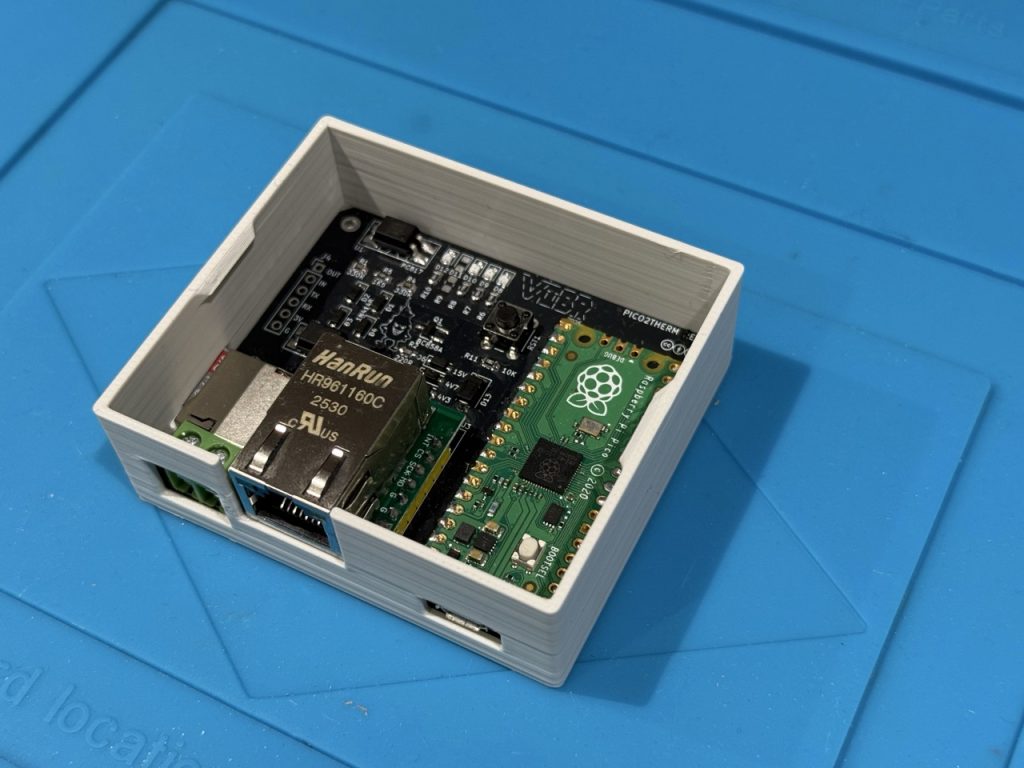
The problem statement was how to manage, automate and optimize the heating system in my house with Home Assistant, opentherm boiler and multiple TRVs.
I spent hours to find the right approach, that brings efficiency, reliability and easy operation. I have tested many products on the market (netatmo, Legrand, deltadore). All excellent product, but sometimes blackbox, not open and flexible as I needed and also not addressing opentherm.
The main advantages of opentherm are :
- Heating modulation, not on/off
- Interface between boiler and the world of automation.
My first step was to bridge my boiler and my homeassistant to be able to manage the heating with the following key features as the initial design principles:
- PID Proportional Integral Derivative heating optimization couple with opentherm protocole,
- Learning algorithm based on the last days / weeks data point
- Seamless home assistant integration
- Reliability of the connectivity
- Security of the overall system (security from the outside and also in the management of the boiler).
- Easy and friendly customer interface.
For this bridge, I have made my own design from the software and also from the hardware side.
The technical principles are:
- Raspberry Pico for the microcontroller platform,
- Ethernet for the connectivity (no WiFi even could be easily added),
- Opentherm master controller,
- SDCard for data persistency, settings,
- MQTT for the data transport layer, with home assistant interface,
- NTP for time management
- A few SMD Led to get an instant status on the heating condition.
I have designed a PCB on kicad to support all theses technical principles:
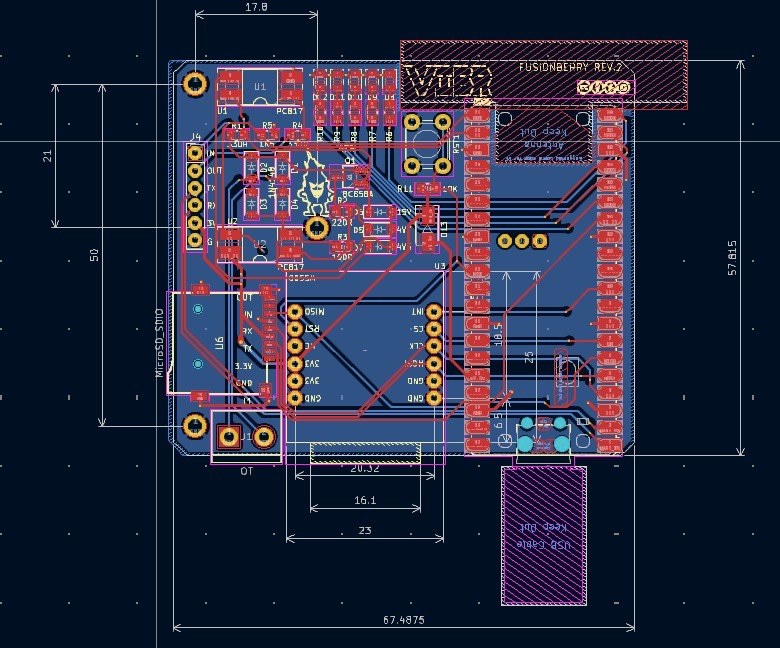
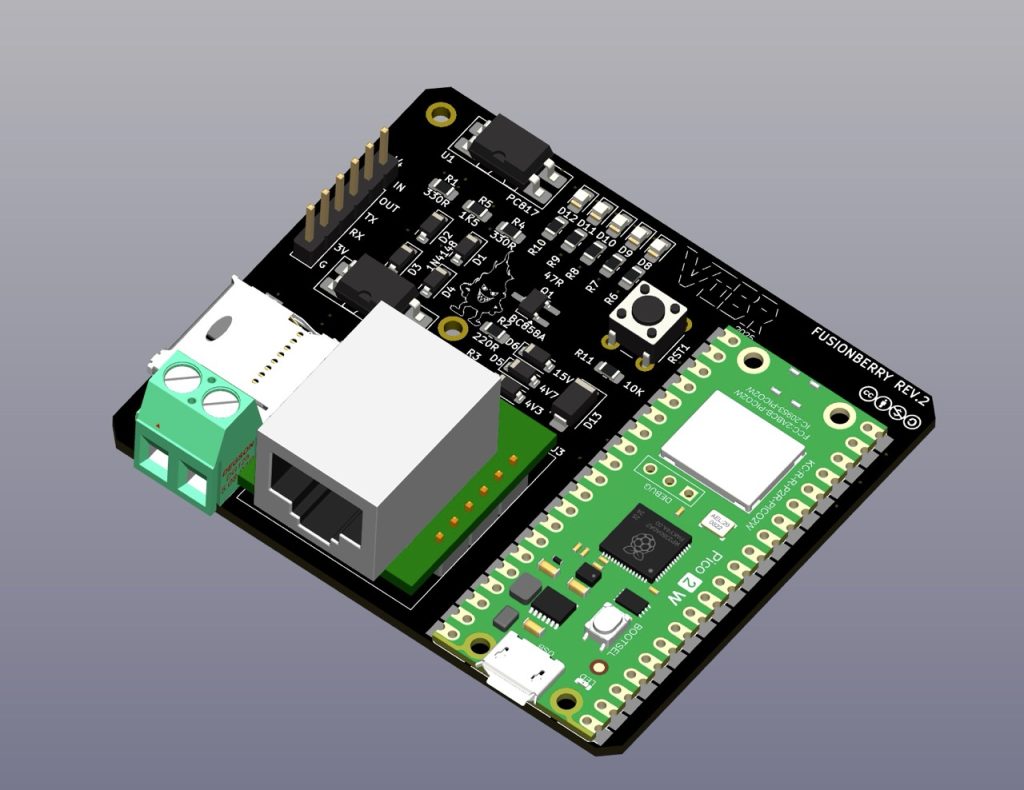
The last piece of the equation from an hardware perspective was to design a case with the right form factor,
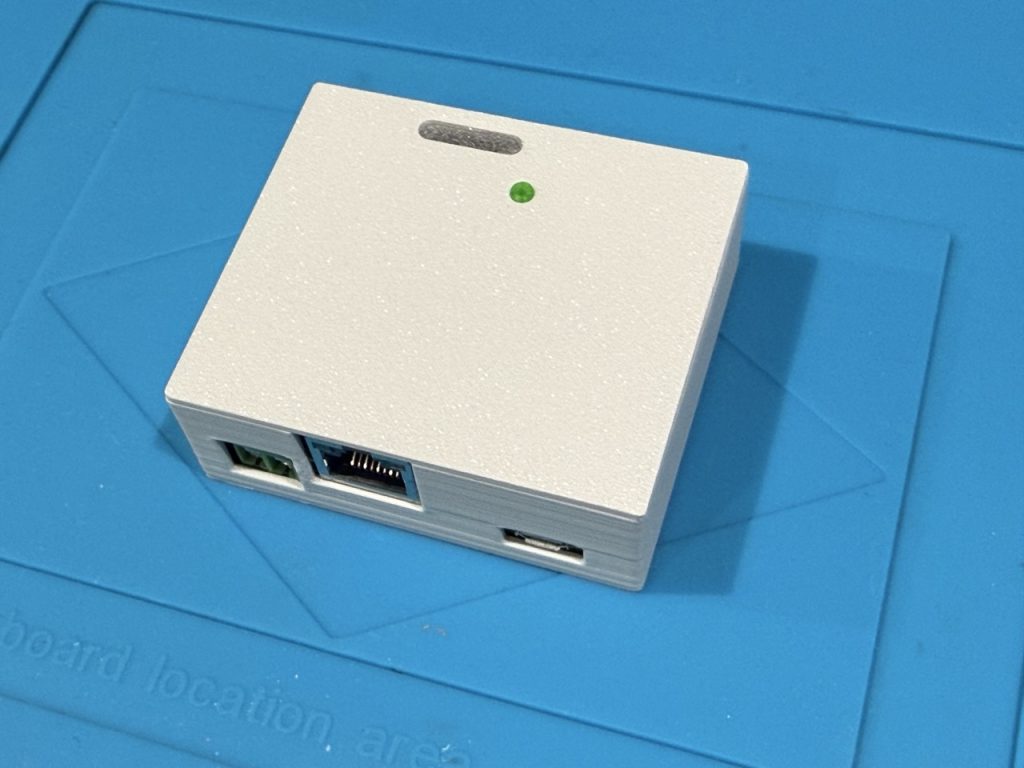
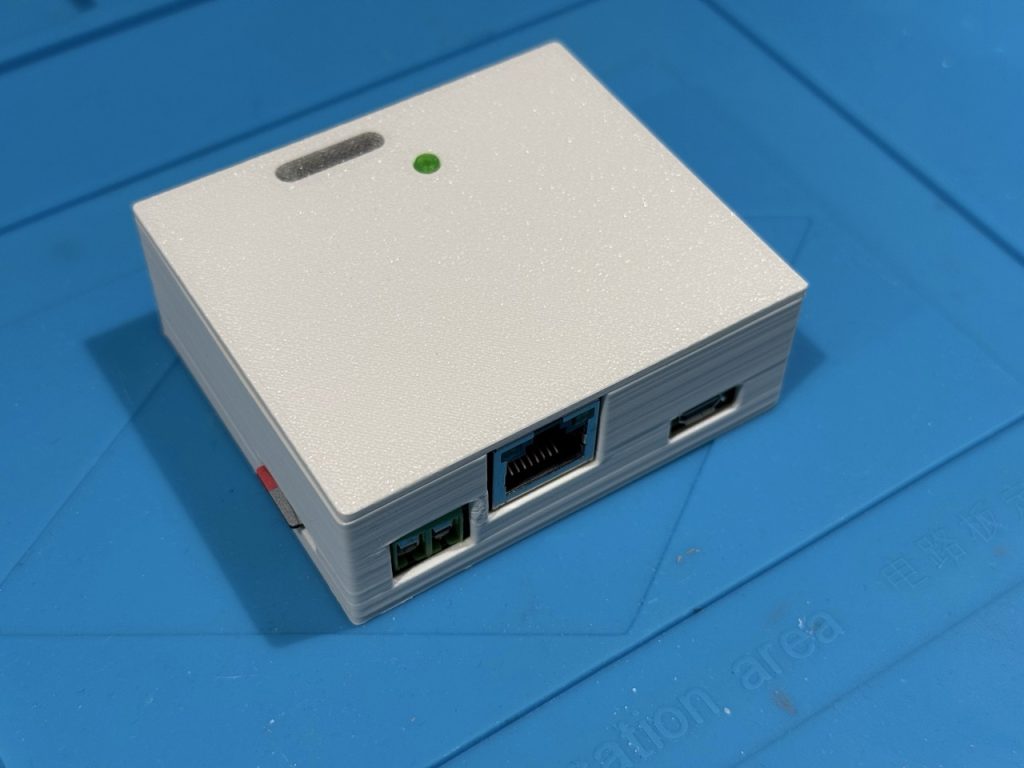
It is a 3D printed case with a transparent window to show the light out of the SMD led and also have a reset button (green button on the photo).
With the hardware fully tested and behind, it is now time to get the software working.
The software will be released open source with Creative Commons license on my GitHub soon.
The main features from a software perspective:
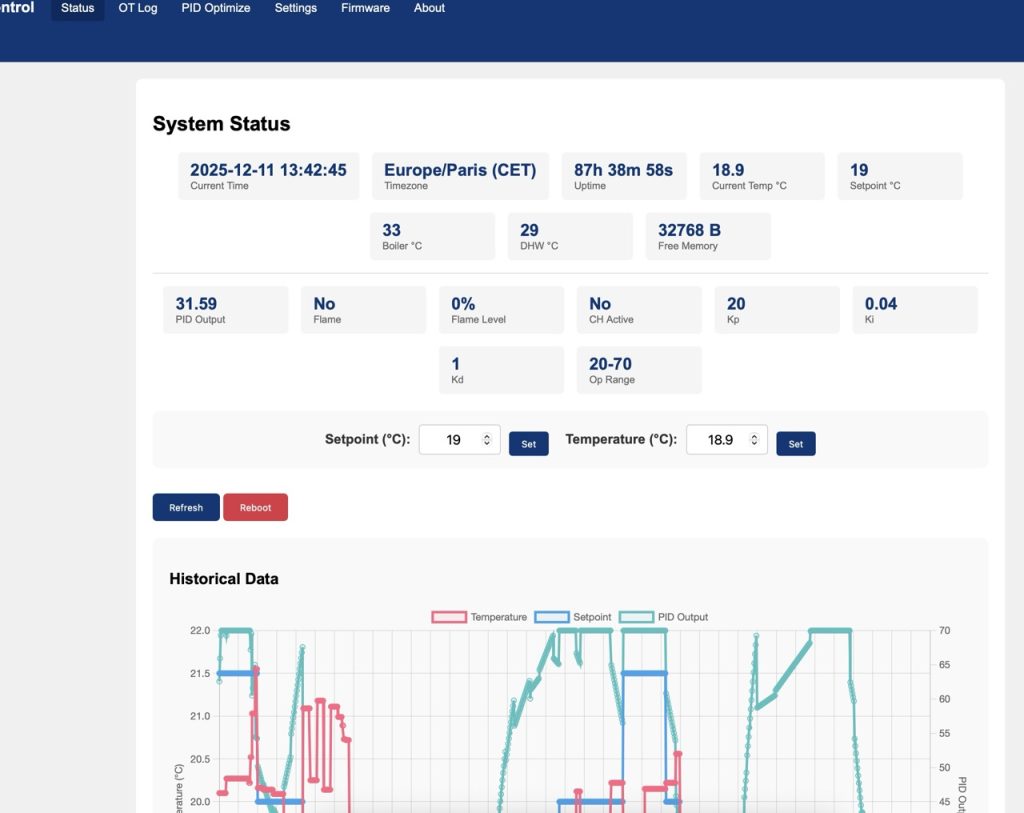
- A frontend decoupled from home assistant, with dashboard, settings, optimization,
- PID algorithm with back loop optimization,
- No set point update protection,
- home assistant integration with meaningful management kpi,
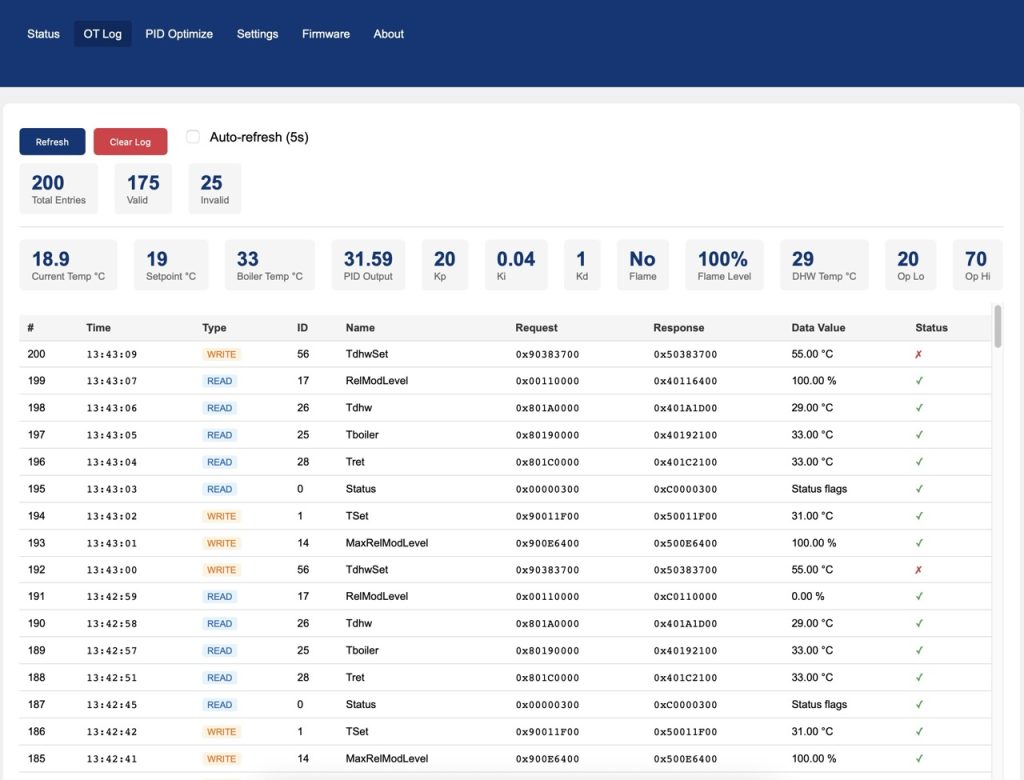
- Opentherm message full log in realtime,
This is a few screenshots of the web interface comings with the current firmware:

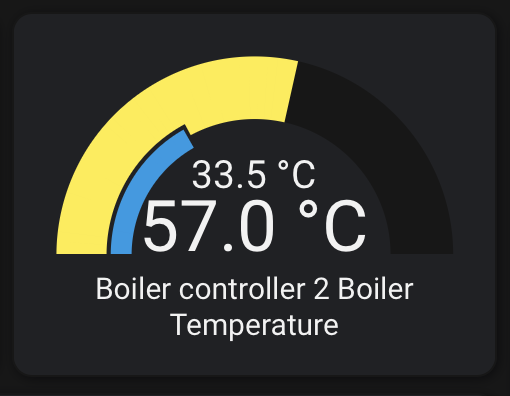
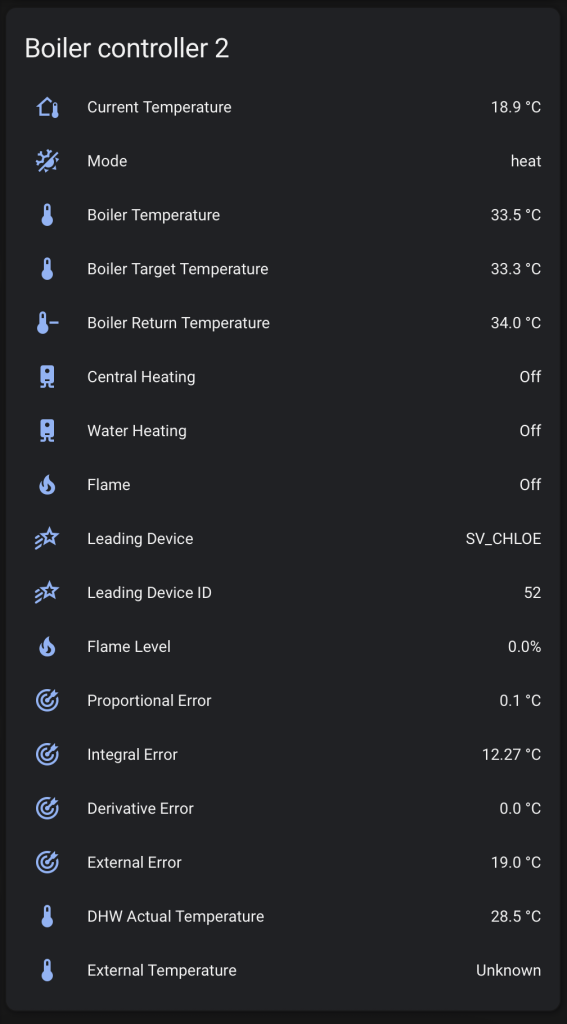
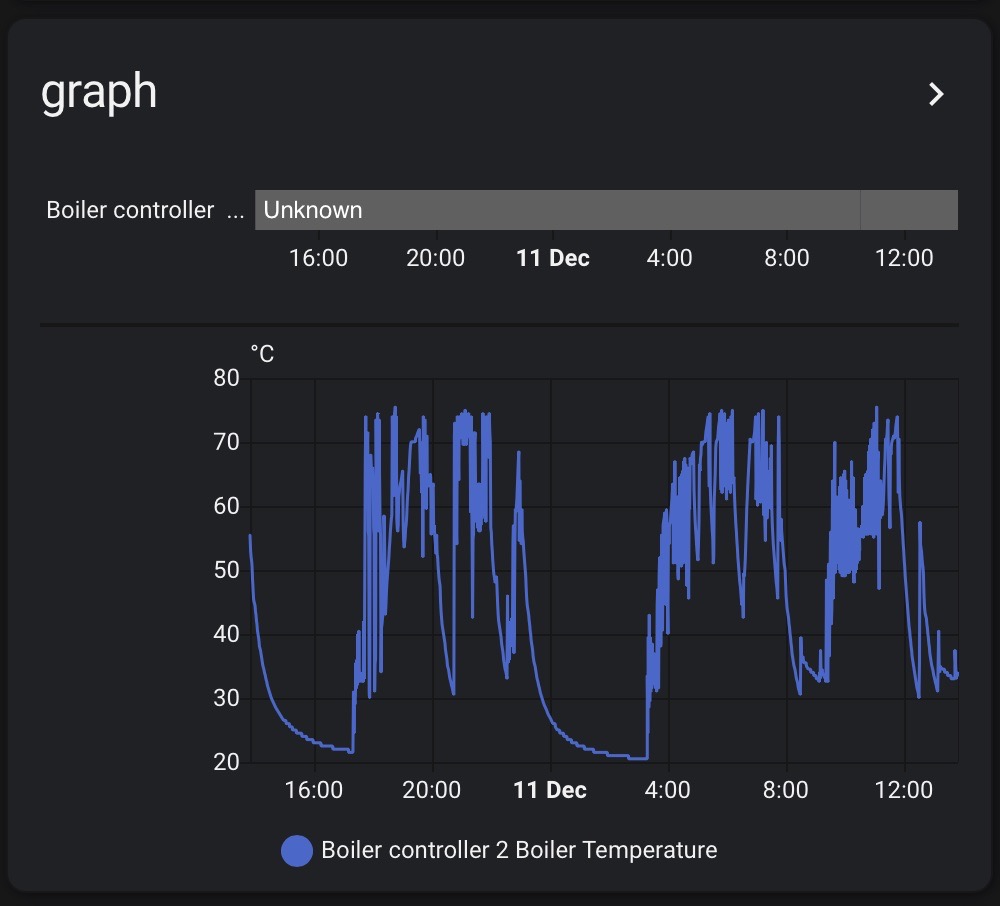
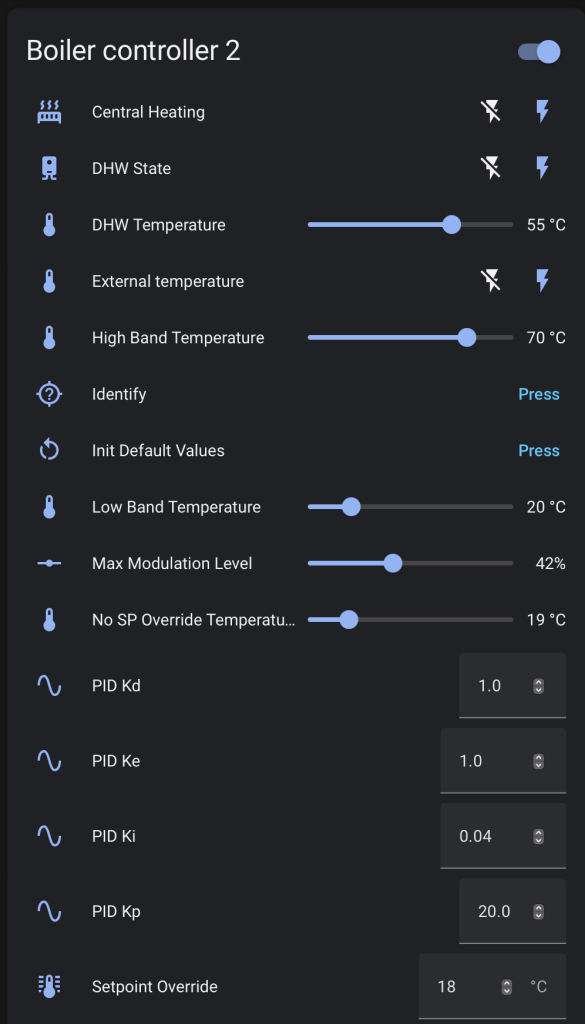
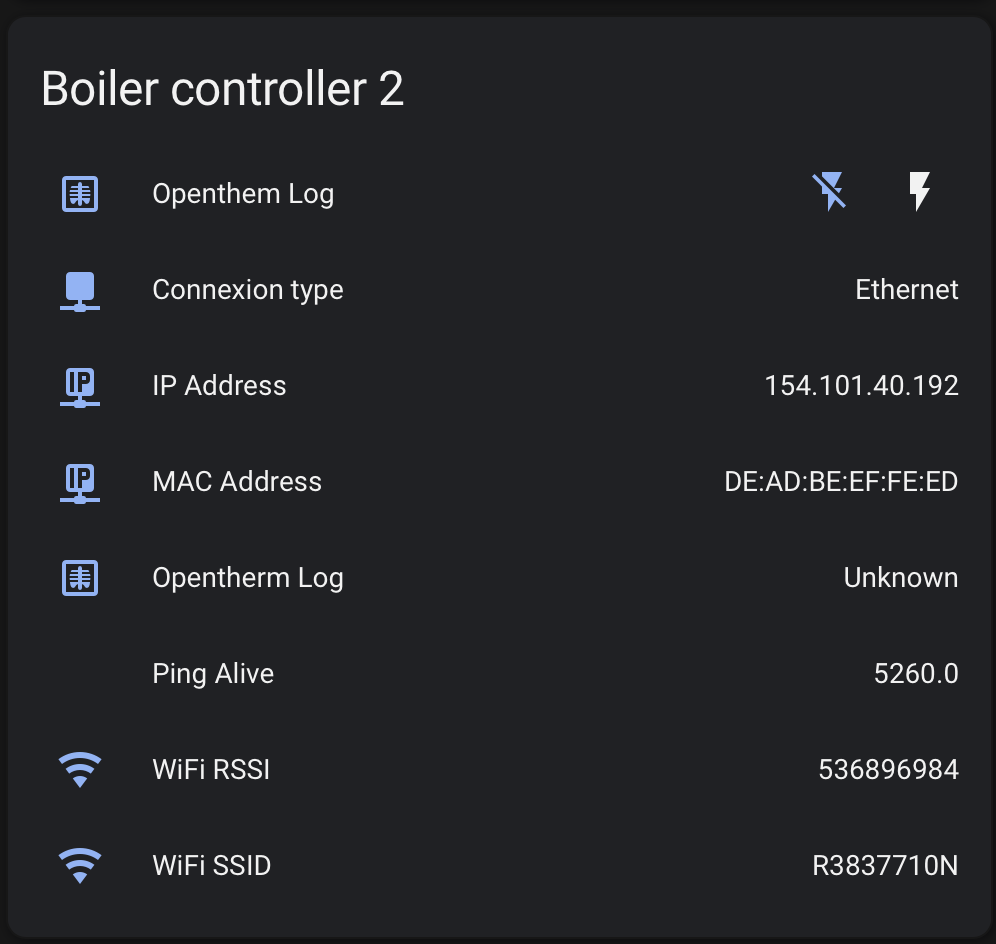
Then comes the Home assistant integration, hereafter a few screenshots of the sensor directly recognized by home assistant when the FusionBerry is powered and setup.
Next post on this topic will cover the integration with node red and how to do proper heating automation with advanced setup:
- Multiple Schedule per zone,
- Group of TRV,
- Manual TRV synchronization and set point update from TRV,
- Update on home assistant,
- Multizone management
- FusionBerry management per leading TRV
- …
Thanks for reading
I will package the hardware and if someone is interested, please send me a message.