
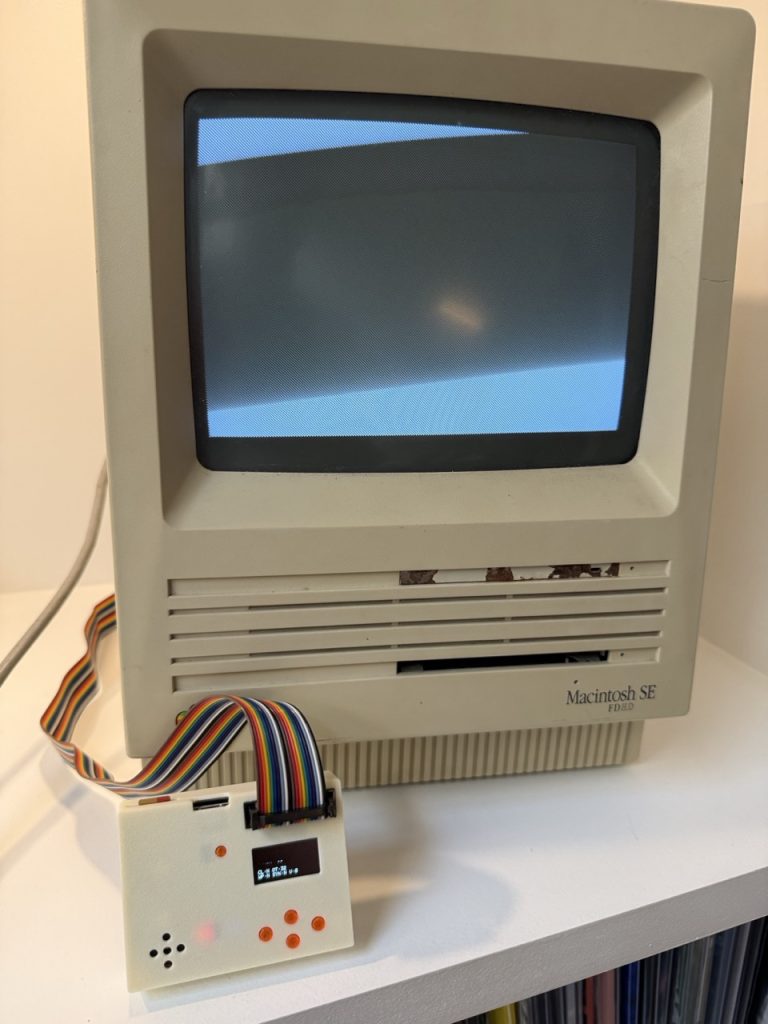
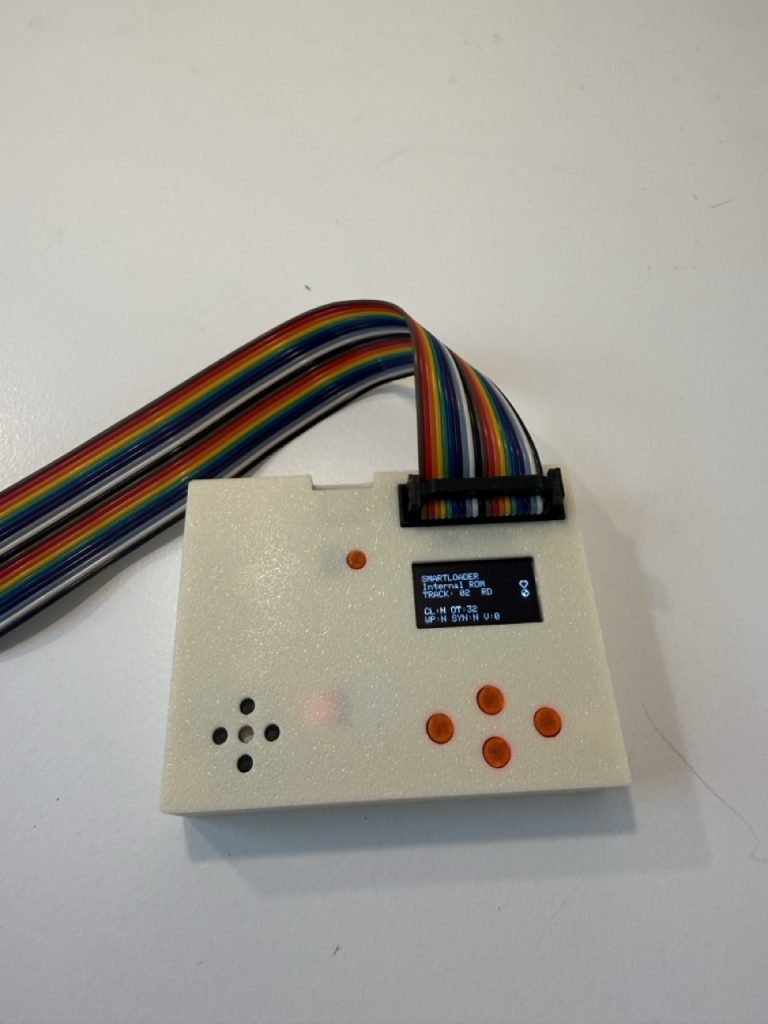
The SmartDisk II is no longer an Apple II only story. With the latest firmware, the same little board plugs into the external floppy port of a Macintosh and becomes an external 800K drive: it boots, reads, writes and even initializes disks, straight from images on an SD card.
Give your Macintosh a working floppy drive again
Many compact Macs still work perfectly, but their floppy drive no longer does, and the original disks are long gone or unreadable. The SmartDisk II solves both problems at once: it plays the part of an Apple external 800K drive, and your disks are now files on an SD card.
- Boot the Macintosh from a disk image: leave the internal drive empty and the Mac starts from the SmartDisk II.
- Read and write: copy files, save documents, and Initialize a blank disk from the Finder. Everything the Mac writes goes back into the image on the card.
- Swap disks in seconds: pick the next image on the OLED, the Mac sees a new disk. Eject from the Finder and the board shows an empty drive.
- Make new disks on the spot: Create disk builds an empty 800K HFS volume for the Mac, or a blank image ready to initialize.
The Mac mode is tested on a Macintosh SE. Other Macs with an external 800K floppy port use the same settings.
MOOF: the preservation format, now in read and write
MOOF is the file format of the Applesauce disk imaging tool. Instead of keeping only the data of each sector, a MOOF file keeps the bit stream of each track exactly as it was recorded on the original disk. That is why the preservation community uses it, and why many of the Macintosh floppies preserved on the Internet Archive are MOOF files.
The SmartDisk II plays these images as they are:
- 400K (single sided) and 800K (double sided) GCR disks: the disks of the compact Macs and of the Apple IIgs.
- Read: download a MOOF image, copy it to the SD card, mount it, boot.
- Write, in place: with 3.5 write on, the Mac writes into the MOOF file itself. Only the sectors that change are rewritten; the track layout of the original disk stays as recorded.
- Create disk can also make new MOOF files: blank, ProDOS, or empty HFS 800K.
Good to know. 1.44 MB (MFM), Twiggy and flux-only MOOF files are not supported yet (ongoing work). A MOOF file marked write protected stays write protected.
Set it up in five steps
- In Settings > Emulation type, choose Disk 3.5. The board restarts.
- In Settings, select 3.5 Mac host and press ENTER twice. The board restarts in Macintosh mode.
- Turn on 3.5 write if the Mac must write to the disk.
- Open the File manager and mount a
.moof,.dc42,.imgor.2mgimage. - Connect the SmartDisk II to the external floppy port of the Macintosh and switch the Mac on.
Everything is detailed in the documentation: 3.5 inch drive emulation (IIgs and Macintosh).
And this is just the beginning
Macintosh support is a new chapter for the SmartDisk II, and more is on the way. An experimental SuperDrive mode already lets a Mac with a SuperDrive-capable ROM read 1.44 MB images. Next on the list: HD20 emulation, a hard disk for the Macintosh on the same floppy port. It is not available in this firmware yet, and we will tell you here as soon as it is.
Get started. Update your SmartDisk II to the latest firmware, and grab a Mac disk image.